Integrated Accounting: GoProposal & AccountancyManager

Goproposal and Accountancy Manager
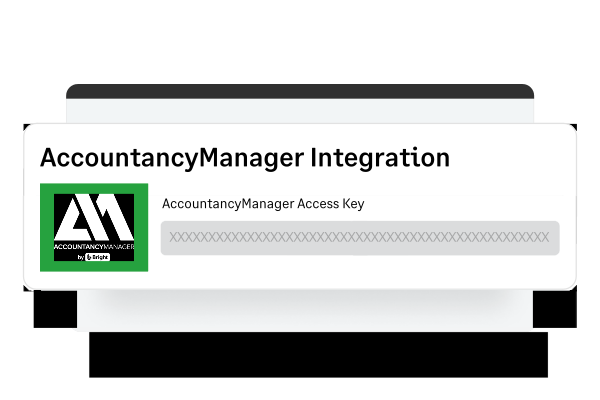
AccountancyManager Integration

Streamline your accounting processes

Start saving time by streamlining your processes through automatic task generation as soon as your client accepts their engagement.
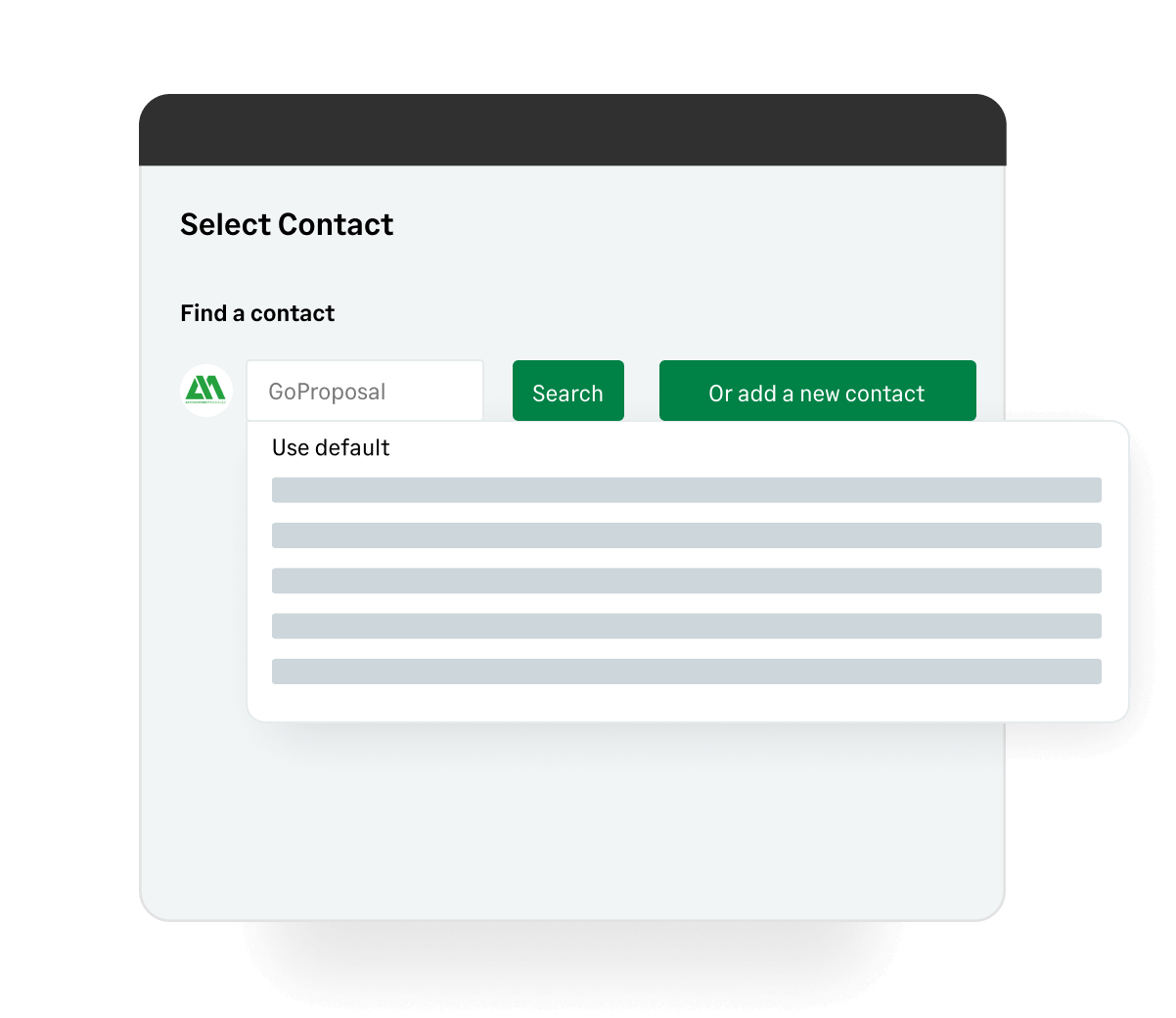
AccountancyManager - find a contact

Automate task management

Match your tasks that have already been created in AccountancyManager to your line items in GoProposal so you never miss a task again (based on the service agreement with your client)
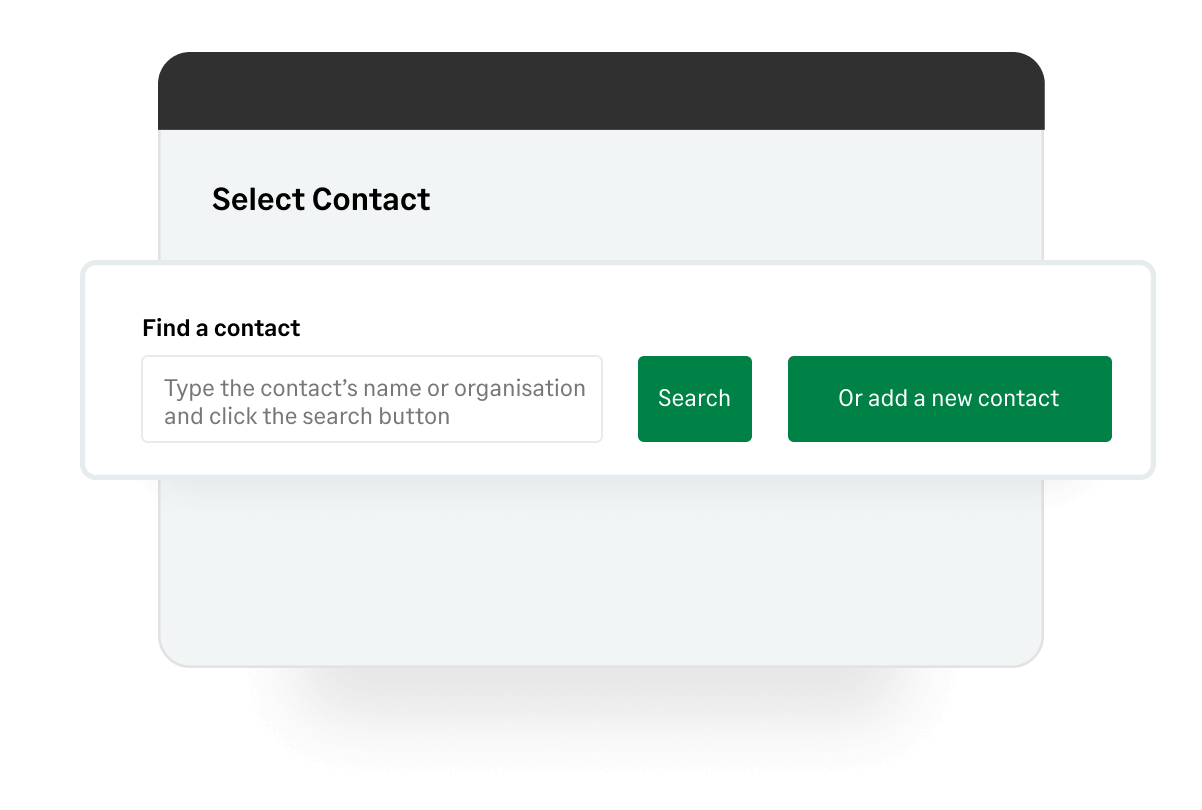
AccountancyManager - select contact

Access and organise client documents

Automatically view your clients documents in one place within their AccountancyManager timeline once your client has accepted their engagement 

How to Get Started with GoProposal & AccountancyManager

Getting started with GoProposal and AccountancyManager is simple and connecting the two platforms is fast because of our innate integration

1

Connect the platforms for an integrated workflow

Head to Settings > Integrations > AccountancyManager Integration and add in your AM Access Key (AM = AccountancyManager). To find your Access Key, within AM head to Tools > Integrations > GoProposal by Sage and select ‘copy’ beside the API Key. Within the text box, add in your GoProposal URL and select ‘Confirm App Name’. URL example: ascendpremiumaccountingservices

2

Setup your line items for task creation

Select Configure > Line Items > ‘Edit Line’ beside any of your line items. From here, select the Integrations tab, and select a work template from the drop-down list. Make sure the work template you’d like to select already exists in AccountancyManager.

3

Synchronise client data

Start connecting your clients on GoProposal’s Create Proposal page. Select the text box and start typing a client's name and click ‘Search’. If you’re not able to find the client you’re looking for, select ‘search more from AccountancyManager’ and this will search for both clients and prospects already in AM.

Ready to get started?

free trial

Activate your free trial now

Price consistently, sell more confidently & minimise your risk

Start 30-day free trial
video

Watch a Short Demo

Discover the power of GoProposal's three key features in a brief, insightful demo.

Watch a demo
ideas

Resources Centre

Transformative education and training for your accounting business.

Browse the resources

FAQs

How does the integration enhance client onboarding? Close
If you’re already using AccountancyManager, adding GoProposal takes your client onboarding to the next level. With GoProposal, you can create professional, transparent proposals in minutes, ensuring your pricing is clear and consistent. Once a proposal is accepted, all client details sync automatically into AccountancyManager, eliminating manual entry. This integration saves you time, standardises your process, and keeps everything compliant, so you can onboard clients faster and with less hassle.
Can I import my existing contacts from AccountancyManager into GoProposal? Close
Absolutely! If you're using AccountancyManager, you can easily import your existing contacts into GoProposal, so you don’t have to enter client details manually. The integration pulls in key information like names, contact details, and company information, ensuring accuracy and preventing duplication. This means you can create proposals faster while keeping everything organised and in sync across both platforms.
What should I do if my clients' information doesn't sync correctly between the two platforms? Close
If your client information is not synchronising correctly between GoProposal and AccountancyManager, start by checking that the integration is properly connected and that both platforms are up to date. Next, review your sync settings to ensure everything is configured correctly. If the issue persists, reach out to our support team, and we will be happy to assist you with troubleshooting the issue.
  • Features

How Proposal Software Streamlines Service Proposal Template Processes

Creating and editing a service proposal template by hand often feels like enough for many businesses. Teams simply open a […]

  • Strategy & Growth

Why Time and Billing Software for Accountants is Essential for Modern Firms

Every minute matters in an accounting firm. When billable hours are missed or invoices go out late, cash flow suffers, […]

  • Strategy & Growth

How to Get Accounting Clients and Grow Your Business

Winning new accounting clients often feels harder than it should. Prospects compare firms within minutes, form opinions even faster and […]

  • Features

CRM for Accountants Explained: Benefits and Best Uses

Accountants manage an enormous amount of client information every day, and small gaps in organisation often spiral into missed messages, […]

  • Academy

A Guide to Perpetual KYC (pKYC)

Financial institutions can no longer rely on static checks to understand who their customers are. The pace of technological advancements, […]

  • Academy

What is Enhanced Due Diligence?

Every accountant understands the importance of trust. Clients rely on you to safeguard their interests, regulators expect transparency, and even […]

  • Academy

A Guide to PEP Screening and Sanctions Checks

Trust is at the heart of every professional relationship, but it relies on knowing exactly who a firm is working […]

  • Strategy & Growth

5 Common PEP Screening Mistakes (and How to Avoid Them)

Accountants and bookkeepers play an essential role in protecting their firms from financial crime, and effective PEP screening sits at […]

  • Features

The Essential Guide to Accounting Workflow Software

Introduction Accounting has never been more complex. Clients expect fast answers and clear advice, while firms juggle growing compliance demands […]

  • Academy

PEP Screening Tools: How to Detect Politically Exposed Persons in Your Client List

Every new client presents an opportunity, but also a responsibility. Detecting politically exposed persons (PEPs) early helps firms protect themselves […]